
BDG Win Game Customer Support
Looking for help with BDG Win Game? This customer support guide explains how to identify the correct assistance channels, prepare account information, and understand common problems.
Find guidance for login issues, registration questions, transaction concerns, account verification, mobile access, and other platform-related matters.
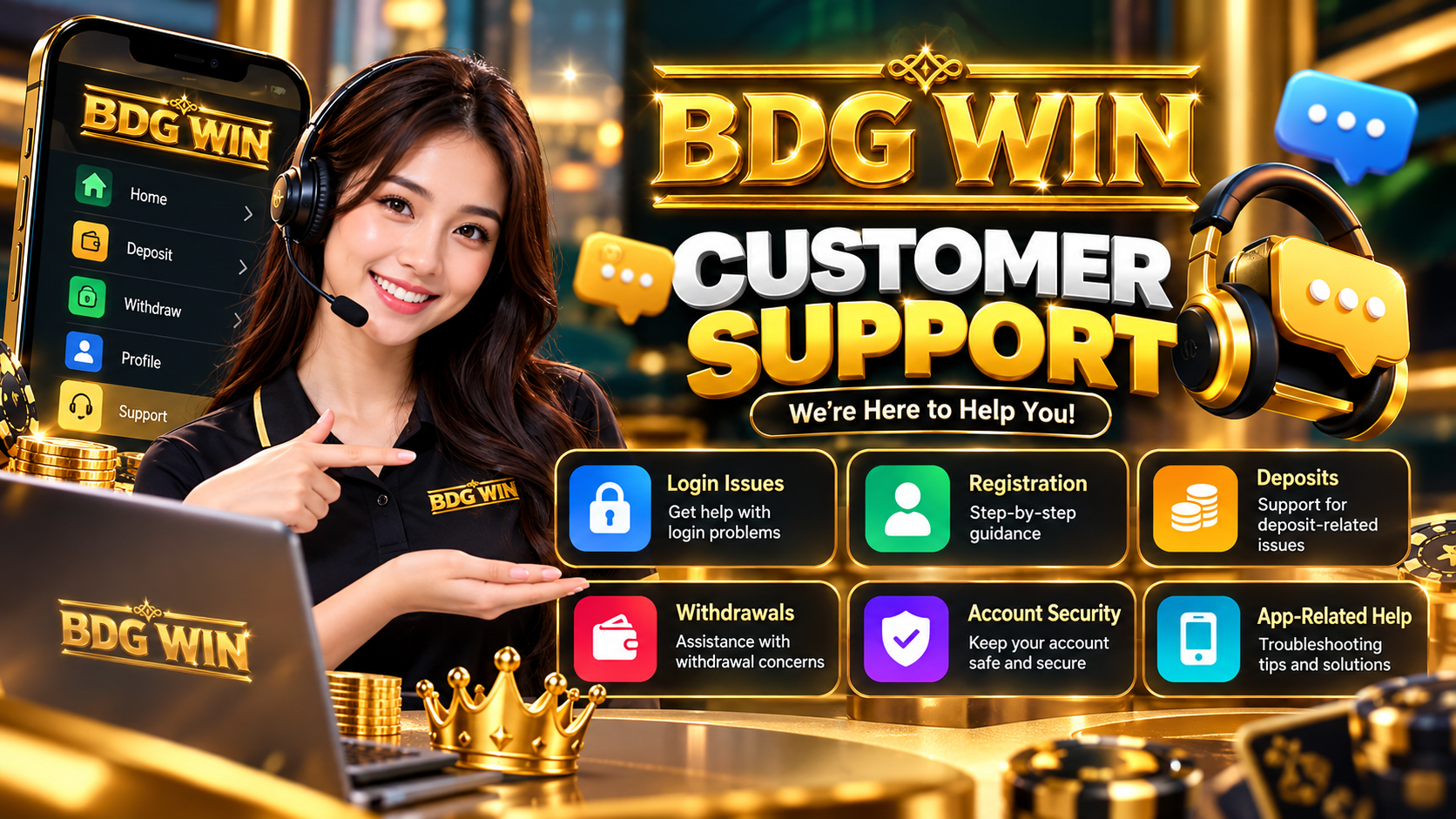
Understanding BDG Win Game Customer Support
Customer support helps users find information about account access, platform features, technical difficulties, and transaction-related questions.
When contacting any online platform, it is important to verify that the support channel is authorised before sharing personal information.
Important Support Reminder
Never share your account password, OTP, PIN, or recovery codes with anyone claiming to represent customer support. Genuine account assistance should not require these confidential details.
Register on BDG Win Game
Visit the registration page to create your account. Review the platform rules and eligibility requirements first.
Register Now →What Can Customer Support Help With?
Different account and platform issues may require different troubleshooting steps or verification.
Login Problems
Guidance for incorrect passwords, verification failures, locked accounts, and login pages that do not load.
Registration Questions
Information about account creation, registration errors, eligibility requirements, and contact verification.
Deposit Concerns
Assistance with transaction references, pending deposits, incorrect payment details, and balance discrepancies.
Withdrawal Questions
Information about withdrawal requests, payment verification, processing status, and applicable restrictions.
Mobile App Issues
Guidance for mobile browser access, installation concerns, device compatibility, and application errors.
Account Security
Reporting suspicious activity, unfamiliar transactions, phishing attempts, or possible account misuse.
How to Request BDG Win Game Assistance
A clear and accurate explanation of the problem can help support staff understand your concern.
Identify the Problem
Determine whether the issue relates to login, registration, payments, mobile access, or another account feature.
Locate a Verified Support Channel
Use a support contact that you have independently confirmed through trustworthy platform information.
Explain Your Concern
Describe what happened, when the problem started, and what you have already tried.
Provide Relevant References
Where appropriate, provide a transaction reference, approximate date, or error message. Hide sensitive details in screenshots.
Follow the Verification Process
Complete only reasonable identity checks through an authorised support interface.
Keep a Record
Save relevant support references and communication details for future follow-up.
Help With Login and Registration
Login Assistance
Users may experience sign-in problems because of incorrect credentials, browser errors, or security verification.
- Check your login details.
- Use the verified recovery option.
- Confirm your internet connection.
- Update your browser if necessary.
- Report suspicious account activity.
Registration Assistance
Registration issues may occur when information is entered incorrectly or verification fails.
- Review required form fields.
- Check contact information.
- Follow password requirements.
- Complete security verification.
- Confirm eligibility rules.
Deposit and Withdrawal Support
Payment-related concerns should be handled carefully, especially when personal financial information is involved.
Deposit Not Reflected
Check the transaction status and keep the payment reference. Avoid making repeated transfers before understanding the issue.
Pending Withdrawal
Review the request status, verification requirements, and applicable processing conditions.
Incorrect Transaction Details
Report incorrect payment information promptly through a verified channel. Never share banking passwords or OTPs.
Payment Security Reminder
Never send additional money to an unknown individual who promises to unlock a withdrawal or recover a transaction. Confirm all financial requirements through verified platform information.
BDG Win Game App and Browser Support
Mobile access issues can result from outdated browsers, device compatibility problems, network interruptions, or application errors.
- Check that your internet connection is stable.
- Update your browser or operating system.
- Review available device storage.
- Avoid modified or unverified APK files.
- Investigate security warnings before installing.
- Use verified support if the problem continues.
How to Report a Complaint
Users who experience unresolved account or transaction issues should keep a clear record of the problem and any previous support communication.
Document the Concern
Record the date, relevant transaction reference, error message, and other useful details.
Submit a Clear Explanation
Describe the issue accurately and avoid sending unrelated personal information.
Request a Reference Number
If the support system provides a ticket or reference number, keep it for follow-up.
Follow Up Through the Same Channel
Use the original support reference when requesting further information.
How to Identify Fake Customer Support
Scammers may impersonate platform representatives through social media, messaging applications, or misleading websites.
Password Requests
Be suspicious of anyone asking for your login password, OTP, or recovery code.
Unexpected Payment Demands
Treat requests for payments to personal accounts as a warning sign.
Unverified Links
Avoid clicking suspicious links claiming to provide account recovery or instant withdrawals.
Support for Responsible Gaming Concerns
Gaming should remain a form of entertainment, not a dependable source of income. Games involving chance carry financial risks.
If gaming begins affecting your finances, relationships, or personal wellbeing, consider taking a break and seeking appropriate professional support.
BDG Win Game Customer Support FAQs
How can I contact BDG Win Game customer support?
Use a support channel that you have independently verified through trustworthy platform information.
Can support help with login problems?
Account support may provide guidance about login errors, verification problems, and recovery procedures.
What should I do if a deposit is missing?
Check the payment status and keep the transaction reference before reporting the issue.
Why is my withdrawal pending?
Processing status may depend on verification requirements, payment systems, and applicable transaction conditions.
Should I share my OTP with customer support?
No. Never share your OTP, password, PIN, or recovery codes with anyone.
Can support help with app installation?
Verified support may provide information about device compatibility, available applications, and technical issues.
How can I report suspicious account activity?
Stop using unfamiliar links, secure your account credentials, and report the issue through a verified channel.
How long does customer support take to reply?
Response times depend on the support channel, issue complexity, and current availability. Check for any published service hours or response-time guidance.
Find More BDG Win Game Assistance
Explore account guides, mobile access information, and troubleshooting resources for common platform concerns.