
BDG Win Game App Download
Explore BDG Win Game mobile access options, learn about Android application downloads, and understand how to use the platform through a compatible smartphone browser.
This guide explains how mobile access generally works, what to check before downloading an APK, and how to resolve common installation problems.
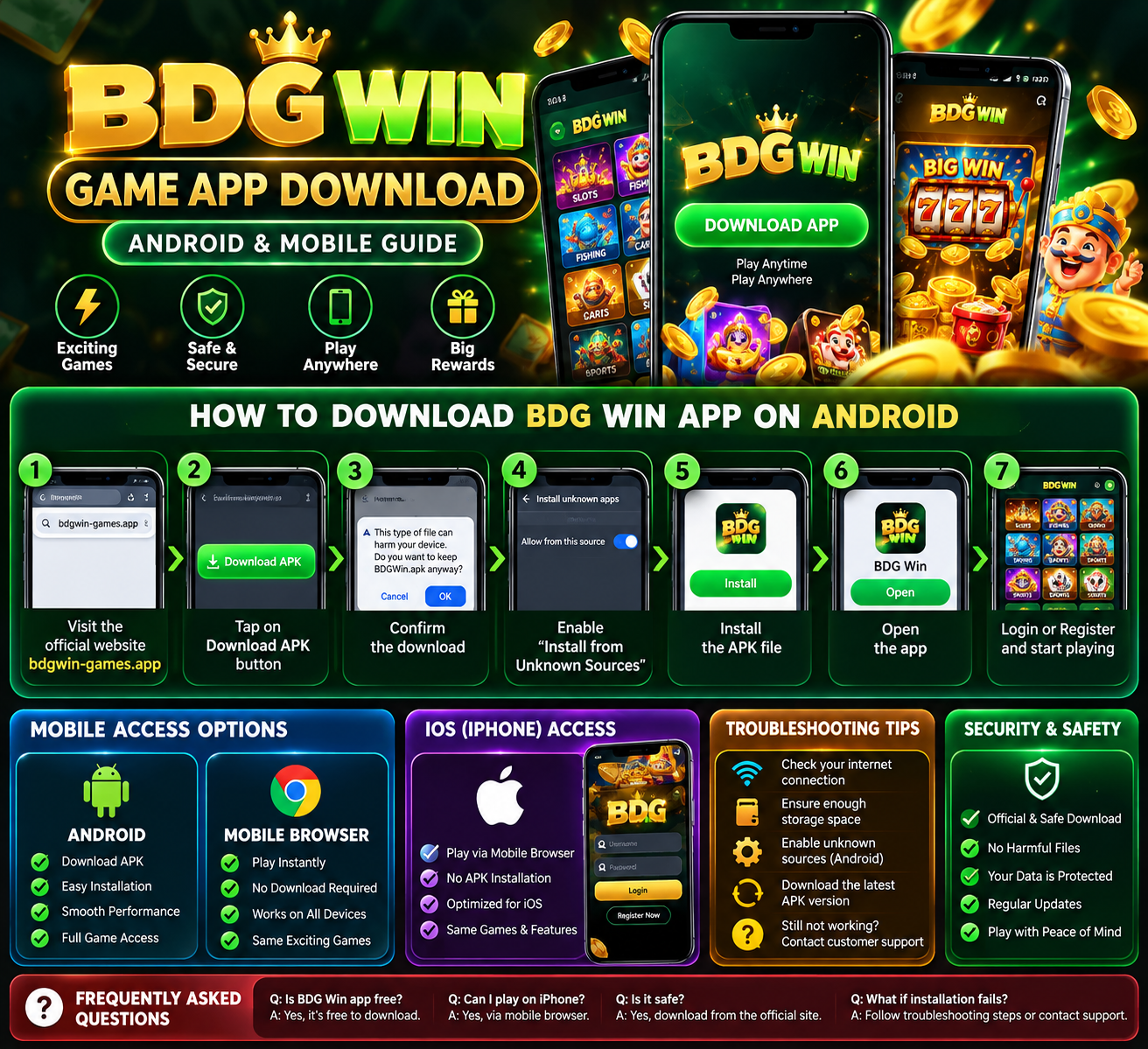
What Is the BDG Win Game App?
The BDG Win Game mobile experience is designed around accessing supported gaming features through compatible devices. Depending on current platform availability, users may find browser-based access or an Android application option.
A mobile application typically provides a dedicated interface for navigating account features and available games. However, the exact functions depend on the version currently offered by the platform.
Important Download Information
Before installing an application, verify that the download comes from a trustworthy and authorised source. Avoid modified APK files, unknown mirror websites, and applications that request unnecessary permissions.
Register on BDG Win Game
Visit the registration page to create your account. Review the platform rules and eligibility requirements first.
Register Now →Ways to Access BDG Win Game on Mobile
Users should understand the differences between browser-based access and application-based access before choosing an option.
Android Browser
A compatible Android browser may allow access to supported platform features without installing a separate application.
Android Application
Where an authorised Android application is available, users may access a dedicated mobile interface after verifying the source and installation requirements.
iPhone Browser
iPhone users may be able to explore supported features through Safari or another compatible browser, depending on platform availability.
How to Download BDG Win Game on Android
If an authorised Android application is currently offered, follow these general steps before downloading and installing it.
Verify the Download Source
Confirm that the website or application listing is genuinely associated with the platform. Avoid APK files distributed through unknown groups or unofficial websites.
Check Device Compatibility
Review the supported Android version, storage requirements, and other technical information provided with the application.
Review Application Details
Check the developer information, application version, permissions, and any available security information before downloading.
Download the Verified File
Use the verified application source. If your device displays a security warning, investigate the warning rather than bypassing protection automatically.
Install the Application
Follow the device's standard installation instructions only after confirming the application's authenticity and safety.
Review Permissions
Grant only permissions that are necessary for the application's legitimate functions. Reject unexpected access requests.
Open and Verify the App
Once installed, confirm that the application behaves as expected before entering personal account information.
What to Expect From Mobile Access
A mobile gaming interface can provide different navigation and account features depending on the platform's current implementation.
Can You Use BDG Win Game on iPhone?
iPhone users may be able to access supported platform features through a compatible mobile browser.
Browser access does not necessarily require a dedicated iOS application. However, the platform's availability and functionality should be confirmed before use.
Important iPhone Reminder
Android APK files are not designed for installation on iOS. Do not trust websites offering modified Android files as iPhone applications.
How to Log In After Installing the App
If you have an existing account and a verified application is available, you may be able to sign in through its account access interface.
For Existing Users
- Open the verified application.
- Locate the Login option.
- Enter your registered account details.
- Complete any security verification.
- Review your account after signing in.
For New Users
New users should review registration eligibility, account requirements, and the platform's terms before creating an account.
Real-money gaming may be restricted or prohibited in certain locations. Users must meet all applicable legal requirements.
Common BDG Win Game App Download Problems
Download or installation issues may occur because of device compatibility, network problems, storage limitations, or application security restrictions.
Download Not Starting
Check your internet connection and verify that the download source is available.
Insufficient Storage
Review available device storage and remove unnecessary files if needed.
Installation Blocked
Investigate device security warnings. Do not disable important protections to install an unverified application.
App Not Opening
Check device compatibility, restart the application, and review any available official updates.
Login Problems
Confirm your credentials and follow the verified account recovery process if necessary.
Suspicious Permissions
Stop installation if the application requests unexpected access to sensitive device functions.
How to Use Mobile Applications More Safely
Protecting your smartphone and account information is important whenever you install or use online applications.
- Download applications only from verified sources.
- Keep your Android operating system updated.
- Avoid modified APK files and unknown download links.
- Review application permissions before granting access.
- Never share passwords or verification codes.
- Avoid saving sensitive account details on shared devices.
- Contact verified support if you notice unusual account behaviour.
Responsible Gaming on Mobile Devices
Mobile access can make online games easier to reach, but users should remain aware of time spent gaming and any financial risks.
Games involving chance do not guarantee winnings. Never treat gaming as a dependable income source, avoid chasing losses, and set personal spending limits.
BDG Win Game App Download FAQs
How can I download the BDG Win Game app?
First confirm whether an authorised application is currently available. Only use a verified download source.
Is the BDG Win Game app available for Android?
Android application availability should be confirmed through the platform's current authorised channels.
Can I install an APK on my iPhone?
No. Android APK files cannot be installed directly on iOS devices.
Can I use BDG Win Game without downloading an app?
Browser-based access may be available through compatible devices, depending on platform support.
Why is an APK installation being blocked?
Device security protections may block unknown or potentially unsafe files. Investigate the warning before taking action.
Should I install modified versions of the app?
No. Modified applications can expose your device and personal information to security risks.
Where can I get help with app problems?
Visit the Customer Support page and use only independently verified assistance channels.
Learn More About BDG Win Game
Explore mobile access information, login instructions, registration guidance, and support resources.